
There is a specific kind of quiet confidence that comes from opening your bag and finding exactly the cable the situation calls for. Anyone who has driven across town to a remote site and then discovered the wrong adapter knows the opposite feeling just as well.
Console cables are inexpensive, small, and easy to forget about until the moment nothing else will do. When a switch has lost its management address or a router is stuck partway through a boot, the console port is the only door still open.
Carrying the Cable That Still Works Everywhere
The flat light blue cable with a DB9 connector on one end and an RJ45 plug on the other has been standard issue for a very long time, and it still earns its place.
The reason it works is in the wiring. A rollover cable reverses the conductor order from end to end, which is what lets a serial port hold a conversation with the modular console jack on a switch. Nothing about it is clever, and that is exactly why it has outlasted so much else in the bag.
Plenty of gear still ships with this port, and not only from a single vendor. Cisco established the convention, and Juniper, along with several others, adopted the same connector, so one cable covers a surprising share of what you will meet in a rack.
Replacing the Serial Port You No Longer Have
Almost no current laptop has a serial port. That is why the USB to RJ45 console cable has quietly become the real workhorse in most bags.
The connector is only half the story. What matters more is the chipset doing the conversion inside the cable. Cables built around a well-supported chipset such as FTDI are recognized by current operating systems without a driver hunt, while bargain alternatives tend to fail at the worst possible moment, usually on a laptop that updated itself overnight.
Where you buy matters more than the price tag suggests. Suppliers such as Connect Zone, which lists the chipset and the compatible part number alongside each console cable it stocks, let you know what you are getting before it arrives rather than after. That transparency is worth more than a small discount on an unmarked cable.
Preparing for the Laptop You Actually Own
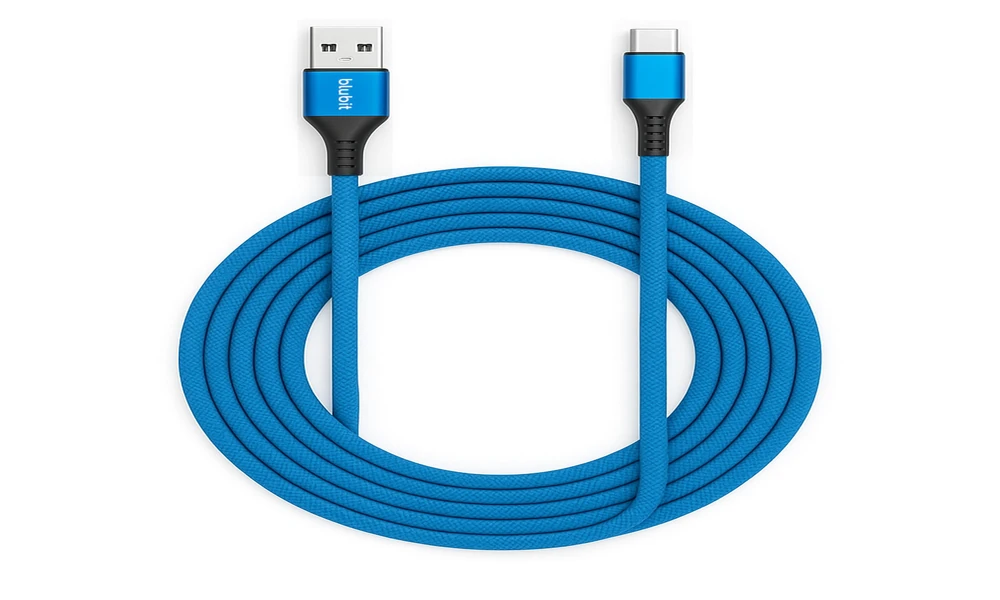
Newer ultrabooks increasingly drop the rectangular USB port altogether. A USB-C console cable takes the dongle out of the chain, and one less adapter is one less thing to lose in a parking lot.
Carrying both versions is not excessive. Bags get borrowed, loaner laptops turn up, and the engineer who can hand a working cable to a colleague is the one everybody remembers at renewal time.
Matching Cable Length to the Rack
Length is the detail people misjudge most often. A short cable is tidy on a bench and useless when the device is mounted high in a cabinet and the only surface available for a laptop is the floor.
Keeping a short one for desk work and a longer one for awkward mounts covers nearly everything. The longer cable also saves you from balancing a laptop on a rack rail, which is how laptops end up on concrete.
Keeping the Bag Ready Between Calls
Preparation is a habit more than a purchase. Coil your cables the same way every time, keep them in a dedicated pouch instead of loose in the bottom of the bag, label anything that resembles something else, and replace a cable the moment it starts behaving strangely rather than after it strands you.
It is worth confirming that your terminal software is installed and configured on whatever machine you carry now, not the one you carried last year. A perfect cable and no serial client is its own small disaster.
Spares deserve a thought as well. Console cables disappear the way pens do, usually into someone else’s bag, and the replacement cost is low enough that keeping an extra is simply cheaper than the trip back.
None of this is expensive, which is the quiet appeal of the whole category. For roughly the price of lunch, you can eliminate an entire class of wasted trips and become the person on the team who always has the right cable in hand.